
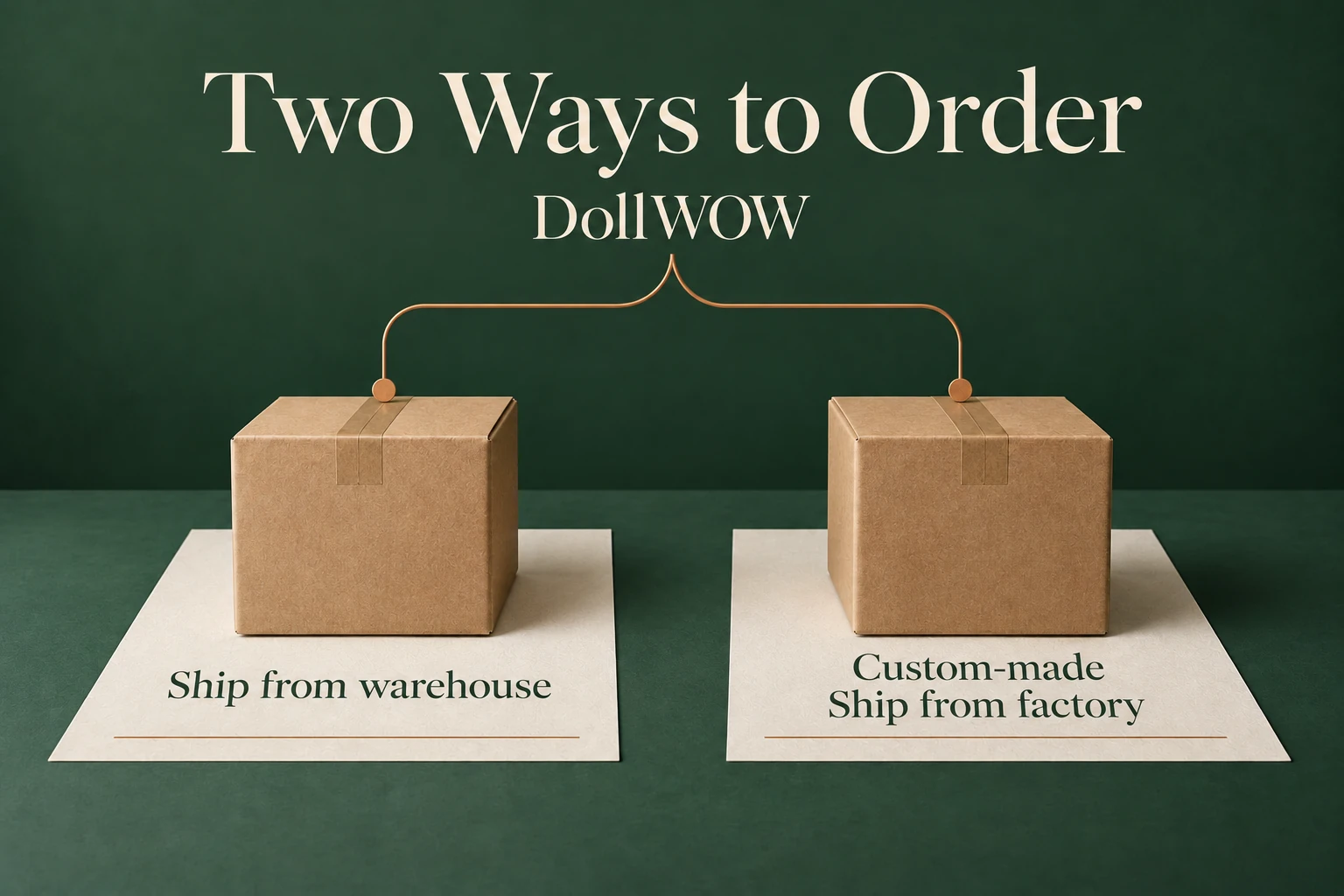
Use one product URL and its SKU to check an offer, not just the face name or a warehouse filter. At DollWOW, the two routes are Ship from warehouse and Custom-made / Ship from factory. This worksheet helps you establish which route a particular listing represents and what can actually be confirmed about it.
For the general choice between speed and supported customization, read the ready-to-ship versus custom guide. Here, work through one candidate listing at a time. A similar photograph is not proof that two URLs describe the same stocked unit.
1. Start a record for the exact offer
| Record field | Copy from the listing | If it is missing |
|---|---|---|
| Identity | URL, SKU and date checked | Ask for the exact product reference, not a similar face name |
| Order route | Warehouse stock or custom-made factory order | Ask whether this configuration already exists or requires production |
| Location | Warehouse country/region, if stock | Leave location unconfirmed; a currency selector is not a warehouse label |
| Configuration | Body/version, head, materials, tone and fixed features | Ask which specification belongs to that SKU |
| Destination | Your delivery country and postal area | Do not infer eligibility from the warehouse region alone |
| Offer | Current total, included items and estimate with its stage | Keep unanswered charges or dates marked unconfirmed |
Warehouse stock is not a synonym for US stock: regions vary by listing. Custom-made describes production before factory shipment, not an unlabelled third route. A saved record identifies the offer you checked; it does not reserve stock.
2. Work through a dated stock example
On 16 October 2026, MD Bonnie's US-stock listing identifies a 166 cm F-cup silicone configuration, head M37, ready to ship from a United States warehouse. Record that full URL and the SKU shown for the offer rather than guessing a SKU from Bonnie's name or the URL ending.
That snapshot answers identity and the listed warehouse region. It does not prove the unit is still available, that it serves every destination, or that a custom Bonnie menu can be applied to it. If the listing changes, start a new dated entry rather than overwriting the old configuration in your notes.
The same method works for another warehouse region: copy the region actually shown, attach your destination, and ask whether that exact unit can ship there. Do not switch a region filter and assume the original unit will transfer with it.
3. Mark each check as recorded or unconfirmed
| What you find | What it establishes | What still needs an answer |
|---|---|---|
| Warehouse region and exact SKU shown | Identifies the stock offer to discuss | Unit still available and eligible for your address? |
| Brand stock banner but no unit reference | Brand-level stock information only | Which product/configuration is actually available? |
| Same face on two URLs | Two offers need checking | Same body, material, head and installed options? |
| Delivery estimate without a stage | A timing statement exists | Dispatch, carrier transit or combined arrival estimate? |
| Paid option on a custom page | A choice for that custom offer | Already installed, changeable or unavailable on the stock unit? |
DollWOW's shipping guide makes stock release subject to verification and order review. Its shipping-protection page calls for confirmation of the exact warehouse unit and estimate. A region label or short estimated delivery time is not an appointment or a stock reservation.
For custom-made orders, keep production, available factory-media review and carrier travel separate in the record. For stock, ask what inspection/media is available for the existing unit; do not add a factory-photo session to the record unless it is confirmed.
4. Write the one question your record cannot answer
For example: "Please confirm the unit on this URL/SKU, the listed warehouse region, and delivery eligibility for my country and postal area. Is the head and finish in this record already installed? Does the estimate refer to dispatch or arrival?"
This is a question template, not a completed order confirmation. Send the product record privately to support. Keep the answer with its date and do not reuse it for a different warehouse unit.
If you compare a custom alternative, start a separate record for its selected build. Mark differences explicitly: fixed stock finish versus selected finish, supplied head versus chosen head, and current stock total versus configured custom total. An absent answer is not a free feature.
Finish with a usable listing record
Before relying on the offer, your record should contain:
- Exact product URL and SKU.
- Warehouse country or region.
- Body and head codes, material and skin tone.
- Fixed appearance choices and included features.
- Whether the page describes warehouse stock or a custom-made factory order.
- Current price and the timing information attached to that offer.
If identity or region remains uncertain, resolve that first. There is little value comparing the price of a unit that has not been identified or a route that has not been confirmed for your destination.
Browse ready-to-ship dolls by the available warehouse regions, or start a separate record for a custom-made doll.